Switching between a conversation, a development task and its Git changes should not mean rebuilding the project context each time. Genesis PR #175, merged into main on November 20, 2026, introduces a LiveView project workbench with project navigation, tabs, task and conversation history, a Git pane and settings in place. Related workspace and draft-scoping changes make the selected project an identity that the interface can carry between those surfaces. Merged workbench
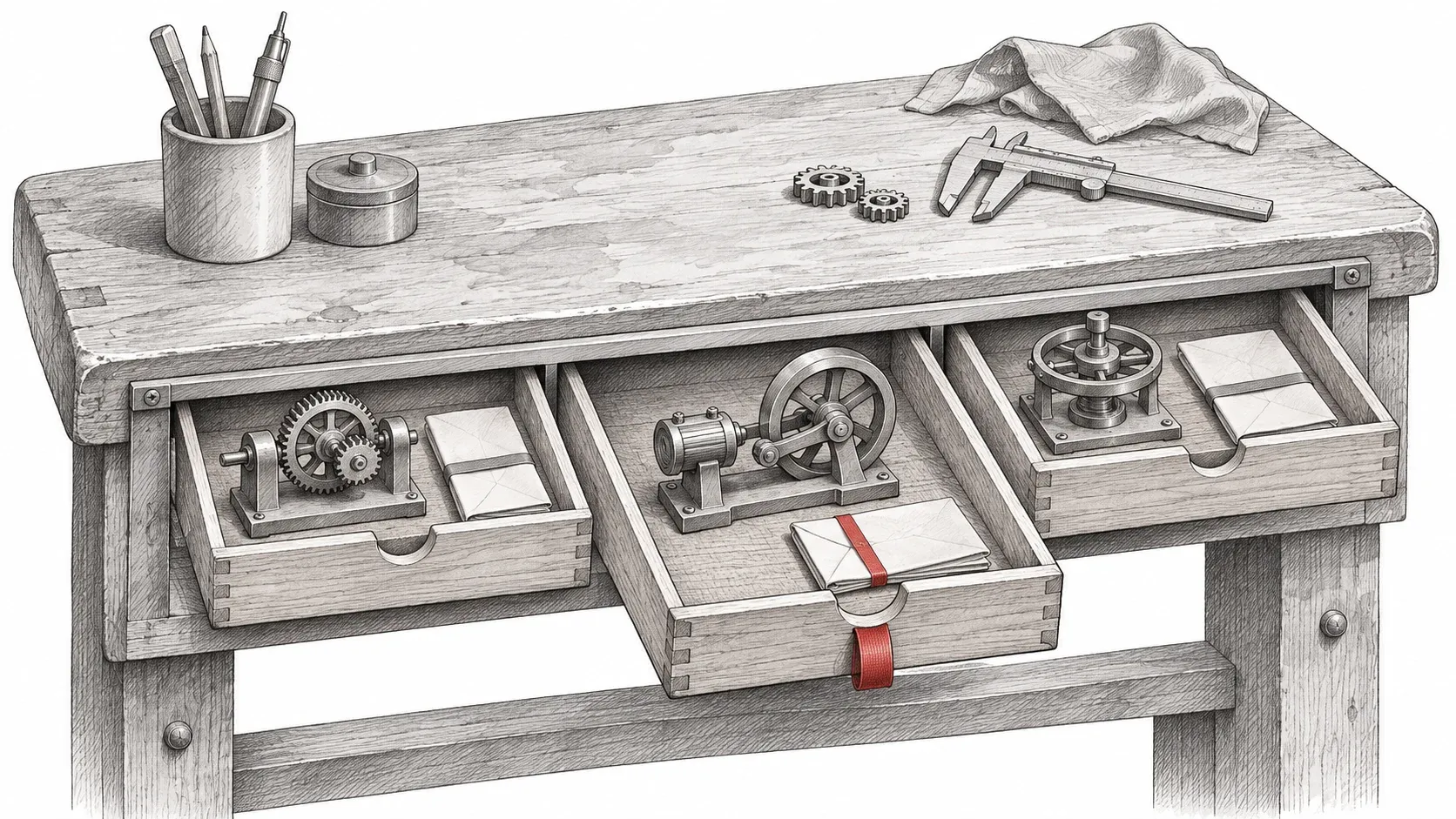
Concept illustration: each project retains its own working context.
One place to inspect the project
The workbench brings navigation and working views together. A developer can return to a project, inspect its task or conversation history, and look at Git changes without treating each view as an unrelated starting point. The integration preserves the upstream workspace picker, account setup and task pause/resume flows. It also restores approval context after reconnecting. These are concrete continuity changes around the earlier Assistant task workflow, whose structured approvals still determine which action is authorized. Workbench integration
Consider a developer alternating between a library and the application that uses it. A draft requirement for the library should remain with that library when the application tab is opened. A Git operation should target the selected project’s server and repository. The merged changes check project ownership before workbench Git operations and retain the selected node when a connection is unavailable, rather than redirecting the operation to the dashboard host.
Draft identity is more than a pathname
The shared DraftScope defines a browser draft by {node, token}. A project already mounted in the Virtual Context Tree uses its vct:///projects/<name> point; an unmounted project falls back to its absolute operating-system path. The point takes precedence when both are present. This lets different path spellings for the same mounted project address one draft, while separate VCT points over the same path remain distinct. Draft scope implementation
The browser storage key combines the node and that token. A follow-up fix adopts a path-scoped draft when the project’s VCT point becomes available, addressing the transition from choosing a directory to having a registered project. This is browser draft continuity, separate from task persistence or a promise of durable conversation recovery after a server restart. Draft adoption
For a remote project, preserving the path verbatim also matters: the dashboard must not normalize it according to the browser host’s filesystem. Before submitting a retained draft, confirm the selected node, repository and model, especially after moving between local and remote projects.
Workspaces group projects; tasks still need a real directory
VCT now has a workspace grouping layer at vct:///workspaces/<name>. A workspace has an ordered member list and optional description. Members refer to project mount points or operating-system paths; workspaces do not nest. The Projects palette and Assistant picker can expose these groups, while read-only workspace APIs let the Assistant inspect their members. Workspace operator interface
A group has no execution directory of its own. DraftScope.path/1 therefore returns no path for a workspace-only selection, and task admission rejects VCT points as task paths. For the library-and-application example, put both projects in a workspace to navigate them together, then select the concrete member that should receive the development task. A workspace does not make every member an implicit write target.
From a source checkout, mix vct.workspace list and mix vct.workspace show <name> inspect groups. The documented create command accepts repeated --member arguments and an optional --data-dir; use the data directory of the intended Genesis instance. Inspection reports missing members instead of silently dropping them. Consult the linked command contract before changing a group.
Verify the handoff between views
The PR reports browser checks for task creation and completion, Assistant keyboard submission and streaming, and the account-setup screen. It also records a timeout in a project-scoped Assistant task query. That observation matters when checking a long-running workflow: acceptance of a request and an observed task result are separate events. Verification record
On a build containing these changes, try switching between two projects with different drafts, reconnecting the selected node, and opening the intended project’s Git pane. Check that the draft returns to the correct project and that the approval still names the actual execution target. Then follow the task’s recorded state rather than treating a restored tab as proof that background work completed.