A request to fix a project needs a target, an approved action and a way to follow the result. Genesis Assistant connects those steps in PR #172, merged into main on November 15, 2026. The workflow extends conversation continuity into project work.
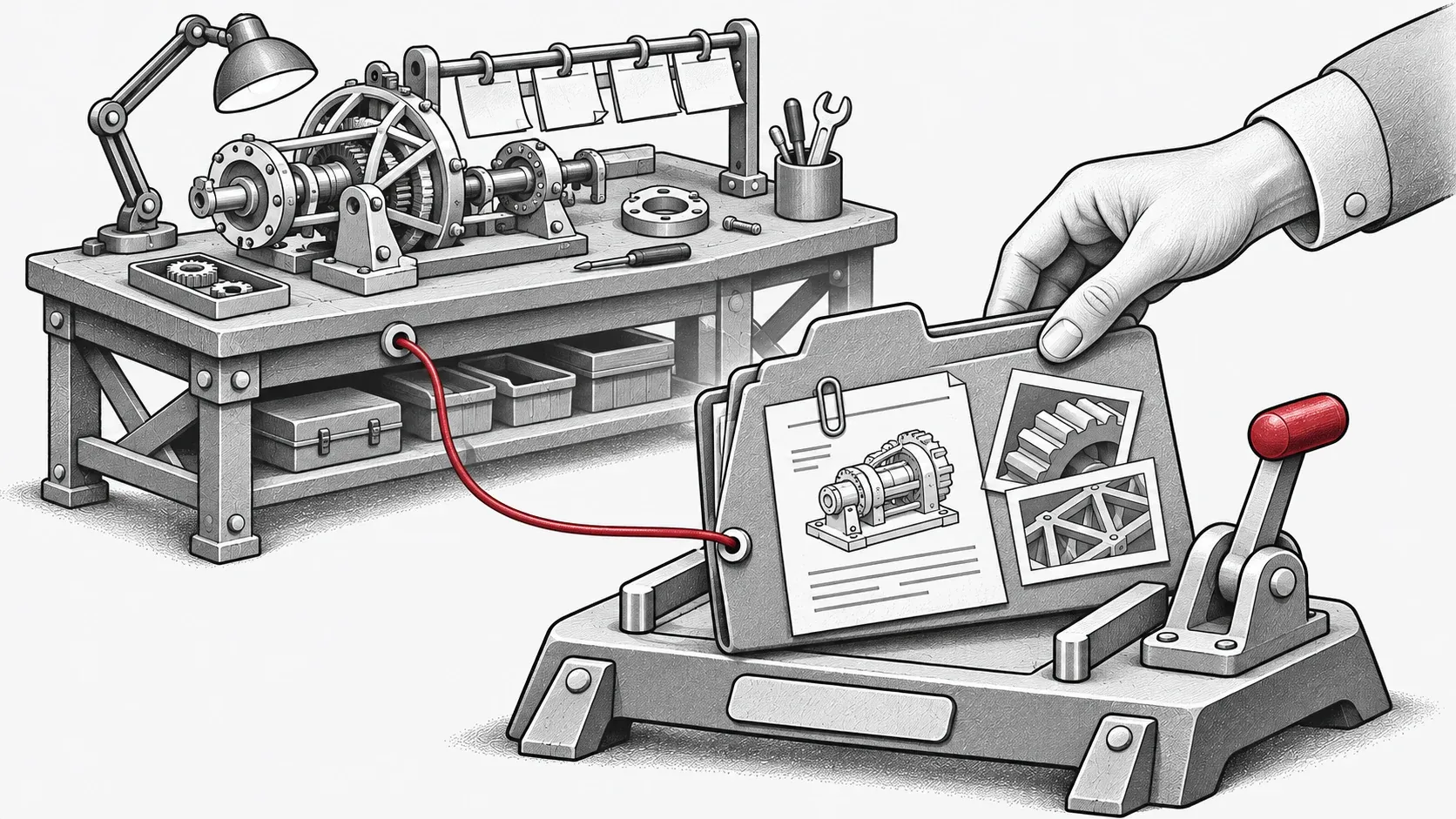
Concept illustration: a scoped request becomes approved background work.
Choose the target before starting
Ordinary chat and task control no longer require a Genesis checkout. Source reference is now optional and approval-gated. Choose a project on the selected host to supply omitted task paths; this does not read project files or authorize development. Project switching is locked during a reply, and an explicit different path remains the target shown for approval. Merged workflow changes
The selection belongs to the node and conversation; a new conversation on the same node can inherit it. The server supplies the tools with node and conversation identity instead of letting the model invent it. If a request explicitly specifies another path, approval must show that actual target. This matters, for example, with two similarly named repositories: checking the path before starting avoids approving work in the wrong project.
From approval to a followed task
The eleven definitions shared with MCP distinguish queries from mutations. Reading task state runs directly; starting, cancelling or sending requirements needs approval bound to immutable structured parameters. Denial or timeout does not execute the action. To fix a test, supply the failure context, inspect the proposed target and parameters, then approve that specific request. After starting, open task following and result review rather than inferring success from the acceptance message alone. Task and approval contract
Successful starts are followed automatically; the searchable Tasks picker can attach an existing task.
Keep work separate from the reply
Sending an additional requirement queues it; that does not prove the active developer has already adopted it. Similarly, Stop reply stops the response after the executing tool batch and preserves the session while the development task continues. Cards show observed states, counters and refresh times without inventing progress percentages. If a refresh fails, the last observation remains available. These distinctions help decide whether to wait, inspect the result, clarify the request or ask for cancellation. Cancellation does not undo Git changes.
Task links survive an Assistant session ending, but the in-memory conversation store does not survive server restart; persistent tasks can be found and followed again. Try this workflow on a build containing PR #172 and inspect task state before retrying an uncertain submission. Updated Assistant guide
Bring the right files into the conversation
Browser upload supports text, PDF, DOCX, images and audio, up to four files and 15 MiB each; completed attachments can send without text. The secondary server-path reader supports the local dashboard node and never substitutes that host for an unsupported remote node.
Browser upload takes files from the device currently in use. Reading a server path points somewhere else and is limited to the dashboard’s local node. Wait for uploads to finish before changing context: switching conversation or node cancels pending transfers. To consult Genesis code, optional source-reference preparation still requires approval; compare its version with the running runtime. Project context and the Genesis source reference therefore serve different roles. Files and source reference