

7. 實踐範例
本章介紹幾個完整的實踐範例,以展示如何應用前幾章的知識。我們將從頭開始構建一個優化專案,並展示 EvoX 如何與其他工具整合。這些範例涵蓋了一系列問題類型,幫助您在實際場景中應用 EvoX。
範例 1:單目標優化
問題:優化經典的 Rastrigin 函數:
f(\mathbf{x}) = 10 d + \sum_{i=1}^{d}[x_i^2 - 10 \cos{(2\pi x_i)}],
其中 $\mathbf{x} \in \mathbb{R}^d$,而 $d$ 是維度。全域最優值位於原點,值為 0。該函數具有高度多模態特性,使其成為測試全域優化演算法的理想選擇。以下是 Rastrigin 函數的繪圖
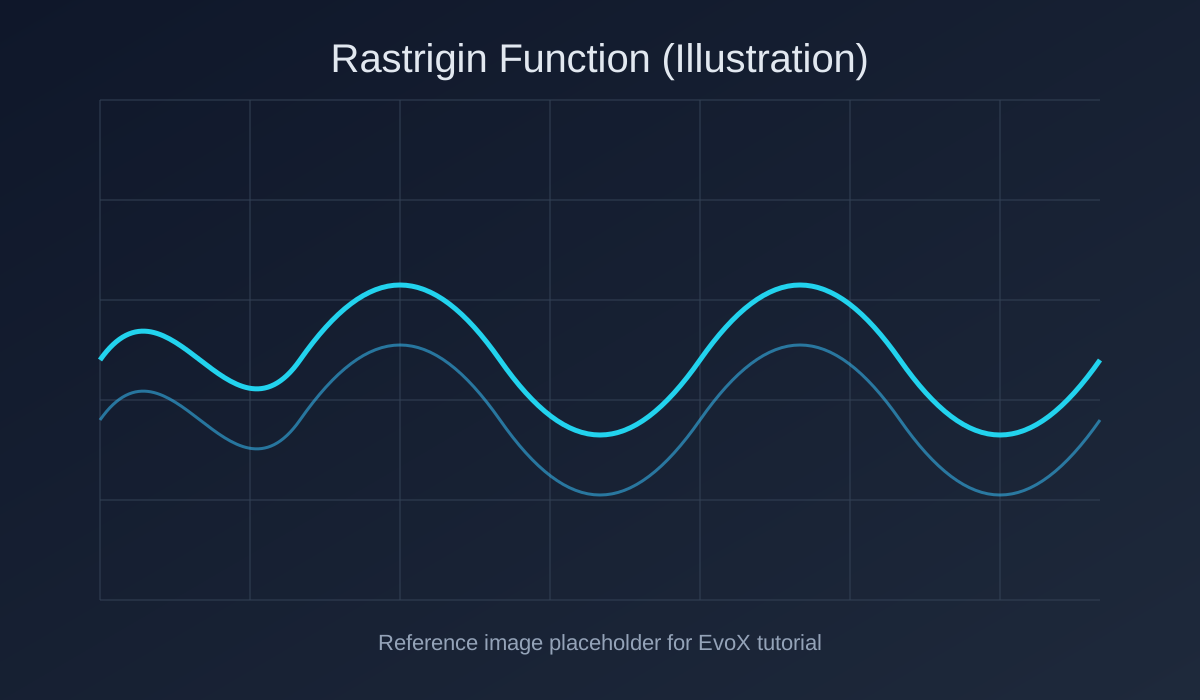
Rastrigin 函數
在本範例中,我們將使用粒子群優化 (PSO) 演算法來優化 10 維的 Rastrigin 函數。
步驟 1:設定
假設您已按照第 2 章的說明配置好 EvoX 環境。
步驟 2:工作流設定
建立一個 Python 腳本 opt_rastrigin_10.py:
import torch
from evox.algorithms.so.pso_variants import PSO
from evox.problems.numerical.basic import Rastrigin
from evox.workflows import StdWorkflow, EvalMonitor
定義 PSO 演算法:
dim = 10
algo = PSO(
    pop_size=50,
    lb=-32 * torch.ones(dim),
    ub=32 * torch.ones(dim)
)
設定問題和工作流:
prob = Rastrigin()
monitor = EvalMonitor()
workflow = StdWorkflow(
    algorithm=algo,
    problem=prob,
    monitor=monitor
)
步驟 3:執行優化
workflow.init_step()
for iter in range(501):
    workflow.step()
    if iter % 100 == 0:
        current_best_fitness = monitor.get_best_fitness().item()
        print(f"Iter {iter}, Best Fitness: {current_best_fitness}")

print(f"Final Best Solution: {monitor.get_best_solution()}")範例輸出:
Iter 0, Best Fitness: 1398.625
Iter 100, Best Fitness: 11.608497619628906
Iter 200, Best Fitness: 2.5700759887695312
Iter 300, Best Fitness: 1.9909820556640625
Iter 400, Best Fitness: 1.9899139404296875
Iter 500, Best Fitness: 0.9976348876953125
Final Best Solution: tensor([...])
正如預期,PSO 演算法找到了一個接近原點的近乎最優解。
範例 2:多目標優化
問題:最小化兩個目標:
f_1(x) = x^2, \quad
f_2(x) = (x - 2)^2
Pareto 前沿位於 $x = 0$($f_1$ 的最優值)和 $x = 2$($f_2$ 的最優值)之間。
步驟 1:環境設定
請確保您已安裝支援 NSGA-II 的 EvoX。
步驟 2:定義自定義問題
EvoX 內建了許多多目標測試問題,但在本範例中,我們將定義一個自定義問題來優化這兩個目標:
import torch
import numpy as np
import matplotlib.pyplot as plt

from evox.algorithms import NSGA2
from evox.workflows import StdWorkflow, EvalMonitor
# Import evox core classes, see Chapter 5 for details
from evox.core import Problem

class TwoObjectiveProblem(Problem):
    def __init__(
        self,
        d: int = 1,
        m: int = 2,
    ):
        super().__init__()
        self.d = d
        self.m = m

    def evaluate(self, X: torch.Tensor) -> torch.Tensor:
        x = X[:, 0]
        f_1 = x ** 2
        f_2 = (x - 2) ** 2
        return torch.stack([f_1, f_2], dim=1)

    # Optional: Define the Pareto front function
    def pf(self) -> torch.Tensor:
        pass
步驟 3:定義演算法和工作流
from evox.algorithms import NSGA2
from evox.workflows import StdWorkflow, EvalMonitor

prob = TwoObjectiveProblem()
torch.set_default_device("cuda:0")

algo = NSGA2(
    pop_size=50,
    n_objs=2,
    lb=-5 * torch.ones(1),
    ub=5 * torch.ones(1),
    device=torch.device("cuda"),
)

monitor = EvalMonitor()
workflow = StdWorkflow(algo, prob, monitor)
步驟 4:優化與視覺化
workflow.init_step()
for i in range(100):
    workflow.step()

data = algo.fit.cpu().numpy()

import numpy as np
import matplotlib.pyplot as plt

x_vals = np.linspace(0, 2, 400)
pf_f1 = x_vals ** 2
pf_f2 = (x_vals - 2) ** 2

plt.figure(figsize=(8, 6))
plt.scatter(data[:, 0], data[:, 1], c='blue', label='Optimized Population', alpha=0.7)
plt.plot(pf_f1, pf_f2, 'r-', linewidth=2, label='Pareto Front')
plt.xlabel("f1")
plt.ylabel("f2")
plt.title("NSGA-II on Bi-objective Problem")
plt.legend()
plt.grid(True)
plt.show()
我們可以使用 Matplotlib 將結果視覺化。藍點代表優化後的種群,紅線則顯示 Pareto 前沿。
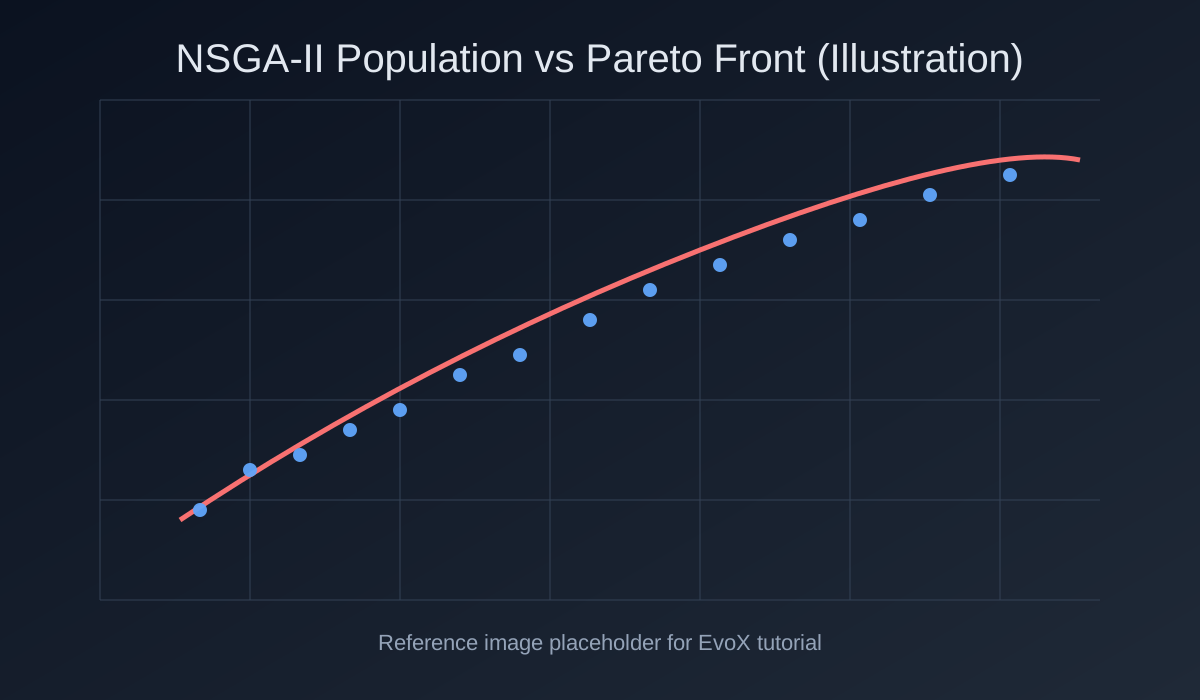
優化後的 NSGA-II 種群繪圖
在 Jupyter Notebook 中,您可以使用 EvoX 內建的繪圖功能來視覺化優化過程,並監控種群隨世代演變的情況。
monitor.plot()範例 3:超參數優化 (HPO)
問題:在乳腺癌資料集上調整邏輯迴歸分類器的 C 和 max_iter,以最大化驗證準確率。
步驟 1:載入資料和模型
import torch
from sklearn.datasets import load_breast_cancer
from sklearn.linear_model import LogisticRegression
from sklearn.model_selection import train_test_split
from sklearn.preprocessing import StandardScaler
from evox.core import Problem

X, y = load_breast_cancer(return_X_y=True)
X_train, X_val, y_train, y_val = train_test_split(X, y, test_size=0.2, random_state=42)
scaler = StandardScaler().fit(X_train)
X_train = scaler.transform(X_train)
X_val = scaler.transform(X_val)
步驟 2:定義問題
class HyperParamOptProblem(Problem):
    def __init__(self):
        super().__init__()

    def evaluate(self, pop):
        pop = pop.detach().cpu().numpy()
        objs = []
        for C_val, max_iter_val in pop:
            C_val = float(max(1e-3, C_val))
            max_iter_val = int(max(50, max_iter_val))
            model = LogisticRegression(C=C_val, max_iter=max_iter_val, solver='liblinear')
            model.fit(X_train, y_train)
            acc = model.score(X_val, y_val)
            objs.append(1 - acc)  # error rate
        return torch.tensor(objs)
步驟 3:工作流設定
from evox.algorithms.so.es_variants import CMAES
from evox.workflows import EvalMonitor, StdWorkflow

prob = HyperParamOptProblem()
init_params = torch.tensor([1.0, 100.0])
print("Initial error rate:", prob.evaluate(init_params.unsqueeze(0)).item())

algo = CMAES(
    mean_init=init_params,
    sigma=1.0,
)

monitor = EvalMonitor()
workflow = StdWorkflow(algo, prob, monitor)
步驟 4:優化
workflow.init_step()
for _ in range(100):
    workflow.step()

best_params = monitor.get_best_solution()
best_error = prob.evaluate(best_params.unsqueeze(0)).item()
print("Optimized error rate:", best_error)範例輸出:
Initial error rate: 0.0263
Optimized error rate: 0.0088
只需幾行程式碼,EvoX 就能自動化繁瑣的超參數調整試錯過程。
這些實踐範例說明了 EvoX 如何有效地應用於各個領域,從數學測試函數到機器學習工作流。一旦您熟悉了基本結構——演算法 + 問題 + 監控器 + 工作流——您就可以調整 EvoX 以適應幾乎任何優化任務。