A coding agent may already have the objective and project path in front of it. If another engine takes over the work, the caller needs a way to start it, follow it and collect the result from the same conversation. On November 11, 2026, Genesis merged a local Model Context Protocol (MCP) endpoint into main. It gives compatible coding agents access to the existing Genesis task APIs through a single connection. Merged change
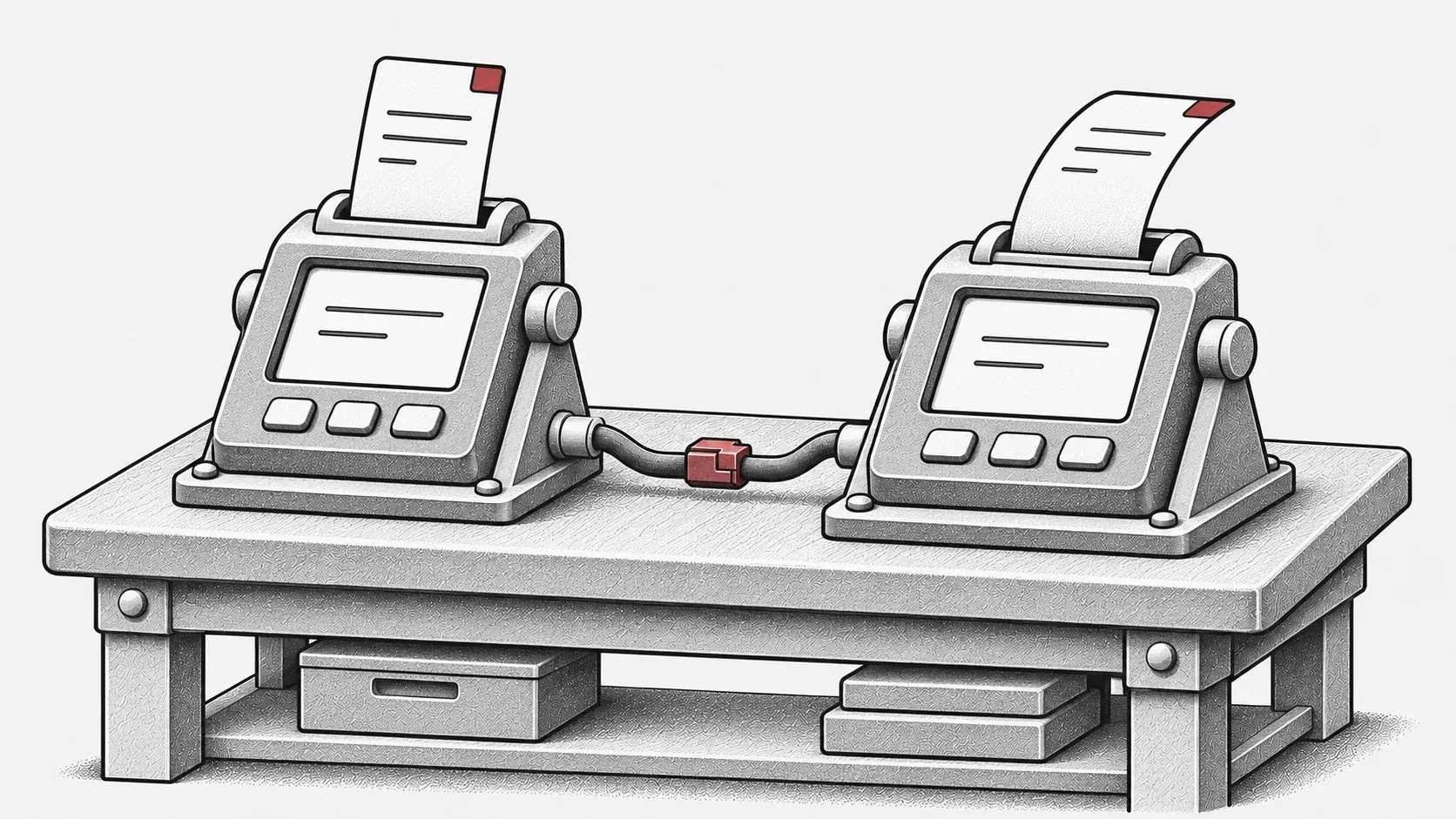
Editorial illustration of a local handoff between a coding agent and Genesis.
Connect to the Genesis process that owns the work
The Streamable HTTP endpoint at /mcp is mounted on the running Genesis server. The client sends a request to that server, which authenticates it, checks the arguments and calls the existing task or scheduler API. Work continues on the server after the HTTP request ends. The connection is stateless, so the task ID is the handle to keep for later.
Genesis accepts connections from loopback peers and validates Host and Origin. Requests use a bearer credential from the running instance’s mcp-token file. The coding agent’s host needs Streamable HTTP support and a way to persist the authorization header. Genesis and the writable project directory need to be on the same machine. The connection guide covers setup for a source build containing this change. For the released server setup, see Genesis 0.14.1.
Send an objective with enough context to act
Suppose a coding agent has traced a parser bug and you ask it to delegate a regression test. The caller can run genesis_check to check the local setup, then use genesis_start_task with the absolute path to the primary checkout and an objective that describes the faulty input, the expected behavior and the test to run. Genesis uses its own configured model. The objective needs to carry the relevant context from the caller’s conversation.
The nine tools cover readiness, configuration reload, model discovery, task submission, listing, status, results, messages and cancellation. An existing Git repository needs an initial commit. For this entry point, a linked worktree or submodule root is rejected because the runtime expects a primary checkout with a .git directory. Task and repository requirements
Reconnect using the task ID
Save the ID returned by submission. After a client reconnect, query genesis_get_task with that ID or list recent tasks for the project before sending a duplicate request. Status exposes bounded progress from the scheduler and saved task state. A caller polling for changes can omit the full result and use the returned change token for a bounded wait.
A message response acknowledges acceptance into the queue. A cancellation response describes the accepted request and saved state. To establish the outcome, read the final task status, retrieve the saved result with genesis_get_result, and review any reported commit and test evidence. Task observation and control
Check the connection before delegating
Start with a source build of the relevant revision and configure the provider on the Genesis instance that will do the work. Follow the guide to create a private credential and register the instance’s actual loopback address with the client. Then open a fresh client session and call genesis_check. This separates a working MCP connection from model readiness and gives you a concrete starting point before submitting a task. Setup and connection checks